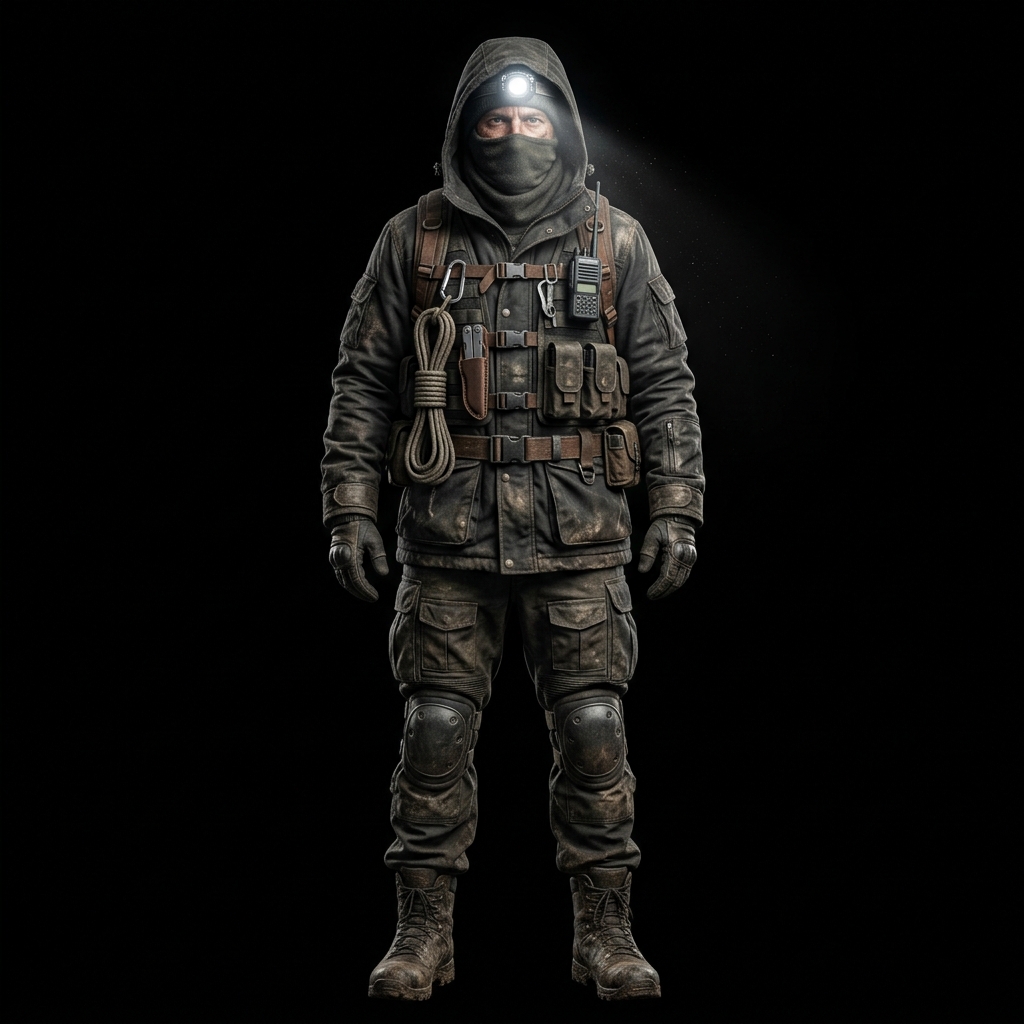
HUMAN OPERATIVE CONTROLS
WASD
Movement — Walk through corridors in 360°
SHIFT
Tactical Sprint — High-speed sprint (consumes Stamina)
E
Interact / Salvage — Pick up items, repair breakers, inspect clues, open keypad
F
Flashlight — Toggle flashlight beam On/Off to conserve battery
1–8 / WHEEL
Select Inventory — Switch active hotbar item slot
LEFT CLICK / R
Use Item — Consume Sanity Pills, apply Medkit, or trigger held equipment
Q
Drop Item — Drop currently held item on the floor for teammates
G
Drop Key — Drop carried gate key on the floor
SPACE
Special Ability — Panic Hide / Class Perk (Salt barrier, Adrenaline, Remote, Revive)
V
Camera Perspective — Switch between 1st Person & 3rd Person Over-the-Shoulder
M
Tactical Map — Expand full-screen minimap and click to drop beacons
H / C
Controls Guide — Open this Controls & Buttons Manual anytime
ESC / P
Pause Menu — Open pause screen & sound/sensitivity settings
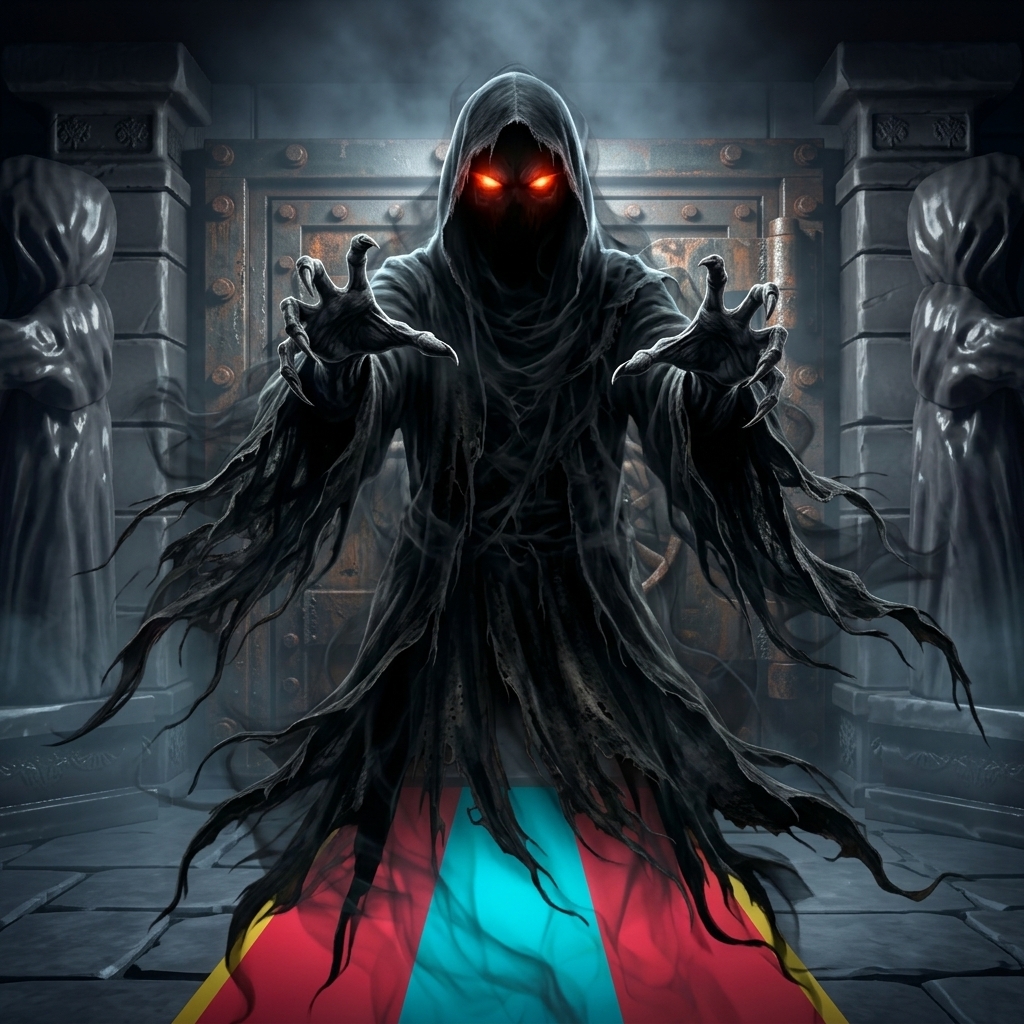
GHOST ENTITY CONTROLS (WHEN PLAYING AS GHOST)
WASD
Float / Stalk — Glide silently through the corridors
LEFT CLICK
Ghost Attack — Strike and capture nearby human survivors
SPACE
Entity Power — Class ability (Phase through walls, Teleport, Invisibility, Mimic, Screech)
MOBILE TOUCHSCREEN INTERFACE
🕹️ JOYSTICK
Left Screen Virtual Joystick — Touch & drag anywhere on the left side to move smoothly in 360°
👆 DRAG
Right Screen Look Area — Swipe anywhere on the right side to aim camera and point flashlight
👆 TAP OBJECT
Direct Tap Interaction — Tap directly on items, keys, circuit breakers, floor cipher clues, and the vault keypad when in range
🔘 USE
USE Button — Activate equipped item (recharge flashlight battery, consume pills, use medkit)
🔘 SPRINT
SPRINT Button — Tap to lock/unlock fast running speed (uses Stamina bar)
🔘 SPECIAL
SPECIAL Button — Tap to unleash your class special ability. Hold for 4 seconds to toggle your Flashlight On/Off!
🔘 DROP ITEM
DROP ITEM Button — Drop your held inventory item to share with teammates
🔘 DROP KEY
DROP KEY Button — Drop a carried gate key
🎥 CAM
Top CAM Button — Switch between First-Person and Third-Person Over-the-Shoulder camera
🗺️ MINIMAP
Top-Right Minimap — Tap radar minimap to expand full-screen tactical map and tap to place marker pings
⏸️ PAUSE
Top PAUSE Button — Open in-game menu and adjust look sensitivity & audio settings
MISSION OBJECTIVES: HOW TO SURVIVE & ESCAPE
⚡ STEP 1
Restore Grid Power — Search corridors for yellow wall Circuit Breakers. Repair them to power up the Master Vault Gate and Keypad terminal! (1 required in Training/Solo, 3 in Multiplayer).
📝 STEP 2
Collect Cipher Clues — Inspect glowing white clue notes floating in corridor paths. Each note reveals digits of the 4-digit Master Vault security code.
🔢 STEP 3
Crack the Vault Keypad — Locate the Master Vault Keypad at the corridor terminus and enter the 4-digit code. Submitting the code decrypts the lock and reveals WHICH 2 Twin Extraction Keys are needed!
🔑 STEP 4
Retrieve & Insert Twin Keys — Search corridors for the 2 matching gemstone keys (e.g. Amber Key & Sapphire Key), carry them to the Master Vault, and insert each key into the gate sockets!
🌲 STEP 5
Master Gate Escape — Approach the massive Master Vault blast doors with power on and both keys installed. Press E / tap the blast door to escape into the pine forest!
TACTICAL SURVIVAL MECHANICS
🏮 LANTERNS
UV Light Sanctuaries — Warm brass ceiling lanterns mark safe havens. Standing in the golden light rapidly regenerates Sanity (+8.5%/s) and shields you from hallucinations!
🕯️ ARIADNE
Ariadne's Thread (Dev Protocol) — Glowing orbs floating along corridor paths mark safe navigation routes leading directly back to the Master Vault!
🗺️ MINIMAP
Minimap & Tactical Pings — Top-right radar displays sound pings and allies. Press M or tap radar to open full Tactical Map. Click anywhere on map to drop colored beacon pings!
📦 DROP ITEMS
Share Supplies & Keys — Press Q (or tap DROP ITEM) to drop your held item on the floor for teammates. Press G (or tap DROP KEY) to drop carried gate keys!
🧠 SANITY
Sanity & Hallucinations — Darkness and proximity to ghostly entities drain Sanity. Below 40% Sanity, you experience terrifying shadow hallucinations. Recover sanity in Light Sanctuaries or by reading lore notes!